Dr. SiweiOne AI across all four portals
Product
Six core capabilities, one education AGI OS
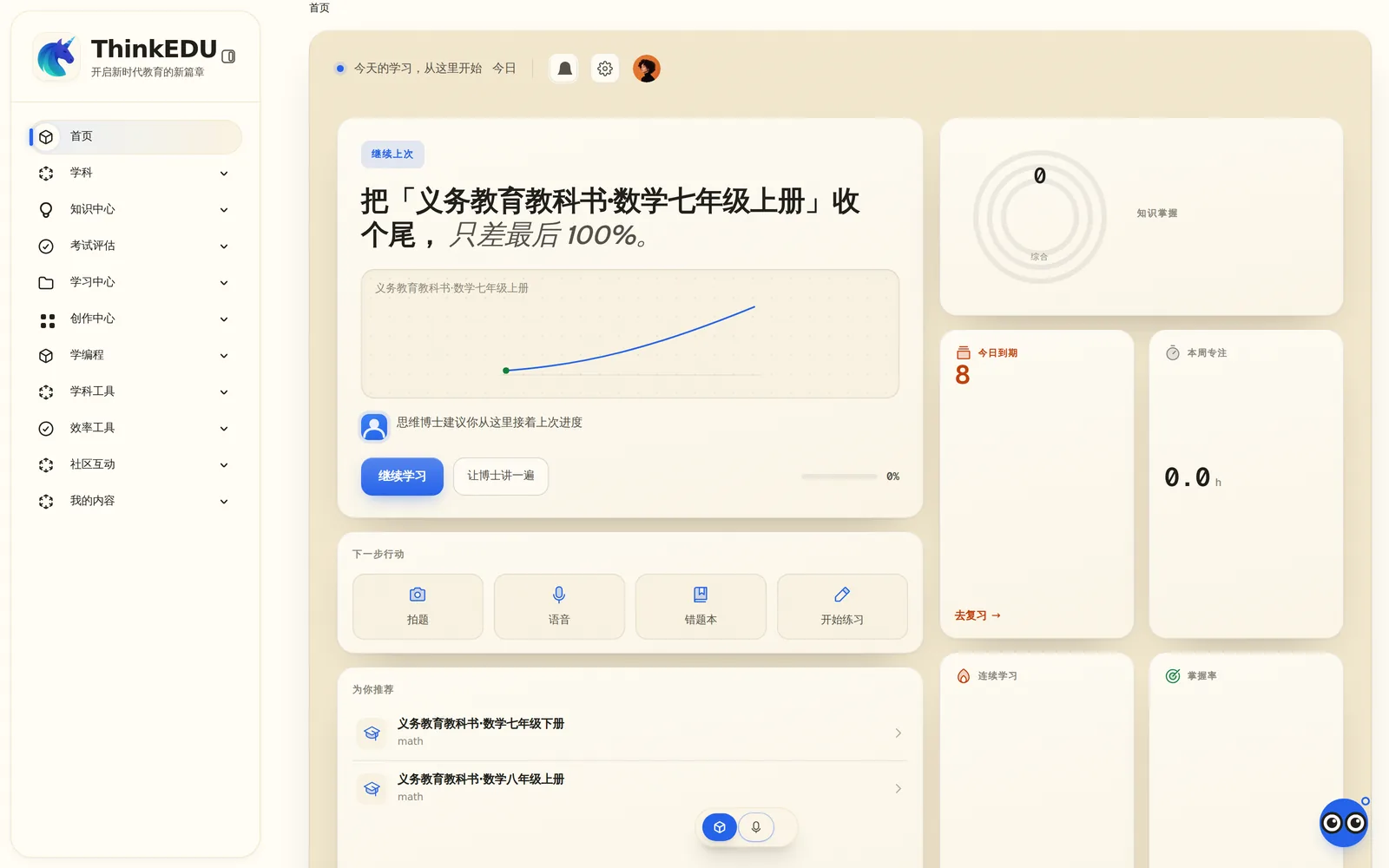
Each capability stands on its own; together they are Think EDU. The same Dr. Siwei explains problems to students, marks and plans homework with teachers, keeps watch for schools, and gives parents one thing to do tonight — all on one chain of evidence.
6Core capabilities
4Roles: students, teachers, schools, parents
Students · Teachers · Schools · Parents
Dr. Siwei
One AI across all four portals
6Core capabilities
4Roles: students, teachers, schools, parents
Capability index
All six run on one chain of learning evidence. Key learning actions become records, Dr. Siwei reasons from the evidence available, its actions are bound by authority levels and teacher review, and teachers, schools, and parents each see a role-safe view of the same facts.
Creative SpaceOne full-bleed canvas, the whole workbench
Project-Based LearningPhotograph anything, tap a part, answer a subject
Virtual LabsA laboratory in the browser
Correction, Practice & Growth EvidenceAnswering "how is my child doing" with evidence
Teacher ConsoleAI drafts. Teachers decide.
Capability index
All six run on one chain of learning evidence. Key learning actions become records, Dr. Siwei reasons from the evidence available, its actions are bound by authority levels and teacher review, and teachers, schools, and parents each see a role-safe view of the same facts.
01
Dr. Siwei
One AI across all four portals
Dr. Siwei is not a Q&A bot. For students, it explains on a blackboard one step at a time — about 30 seconds a step, interruptible whenever they like — circles the step that went wrong during a correction instead of giving the answer, starts explaining as soon as it recognises a photographed problem, and listens when they hold to talk. For teachers, it drafts lesson plans, groups marking by mistake, and plans tonight’s homework from last night’s answers. For schools, it is a resident agent on the console, working within the authority level it has been granted. For parents, it is a readable weekly report and one thing to do tonight. One AI, holding different boundaries for each role.
02
Creative Space
One full-bleed canvas, the whole workbench
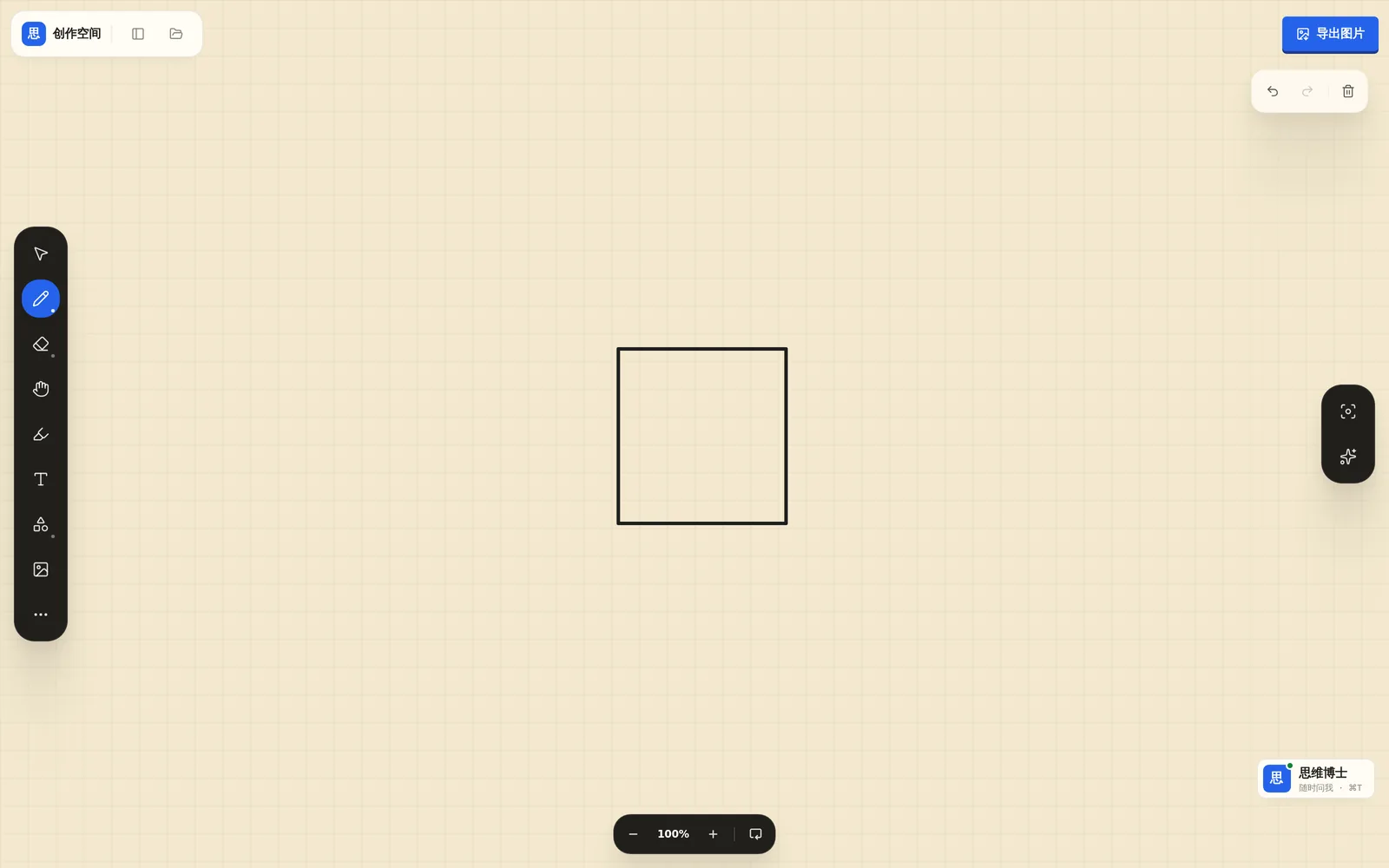
Writing, drawing, working things out, experimenting, and note-taking all happen on one full-bleed canvas. Dr. Siwei’s notes are pinned right beside the student’s own strokes instead of in a separate chat box, and notes organise themselves into a structure that points out the link between ideas the student missed. It helps when asked and stays quiet when not, and every step leaves a trace that becomes evidence of growth.
03
Project-Based Learning
Photograph anything, tap a part, answer a subject
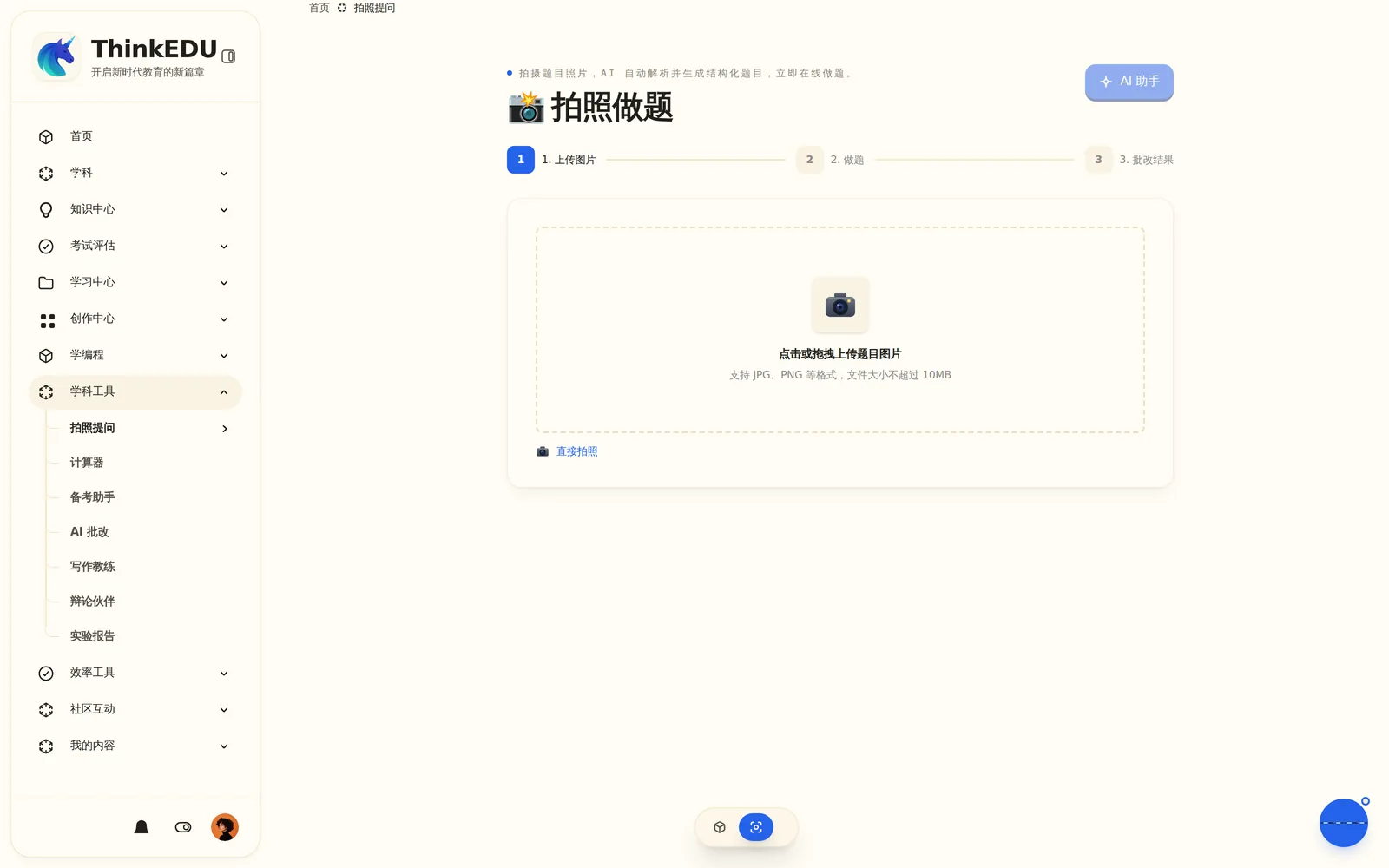
Project-based learning is hard to sustain because topic selection, scaffolding, and cross-subject links all rest on the teacher. We turned that work into a product. A child photographs anything nearby — an alarm clock, a kettle — and tappable parts appear on the image: tap the gears for a physics question, the limescale for a chemistry one, the dial for a maths one. Dr. Siwei pitches the depth to the child’s grade, and the teacher can take over the project at any time.
04
Virtual Labs
A laboratory in the browser
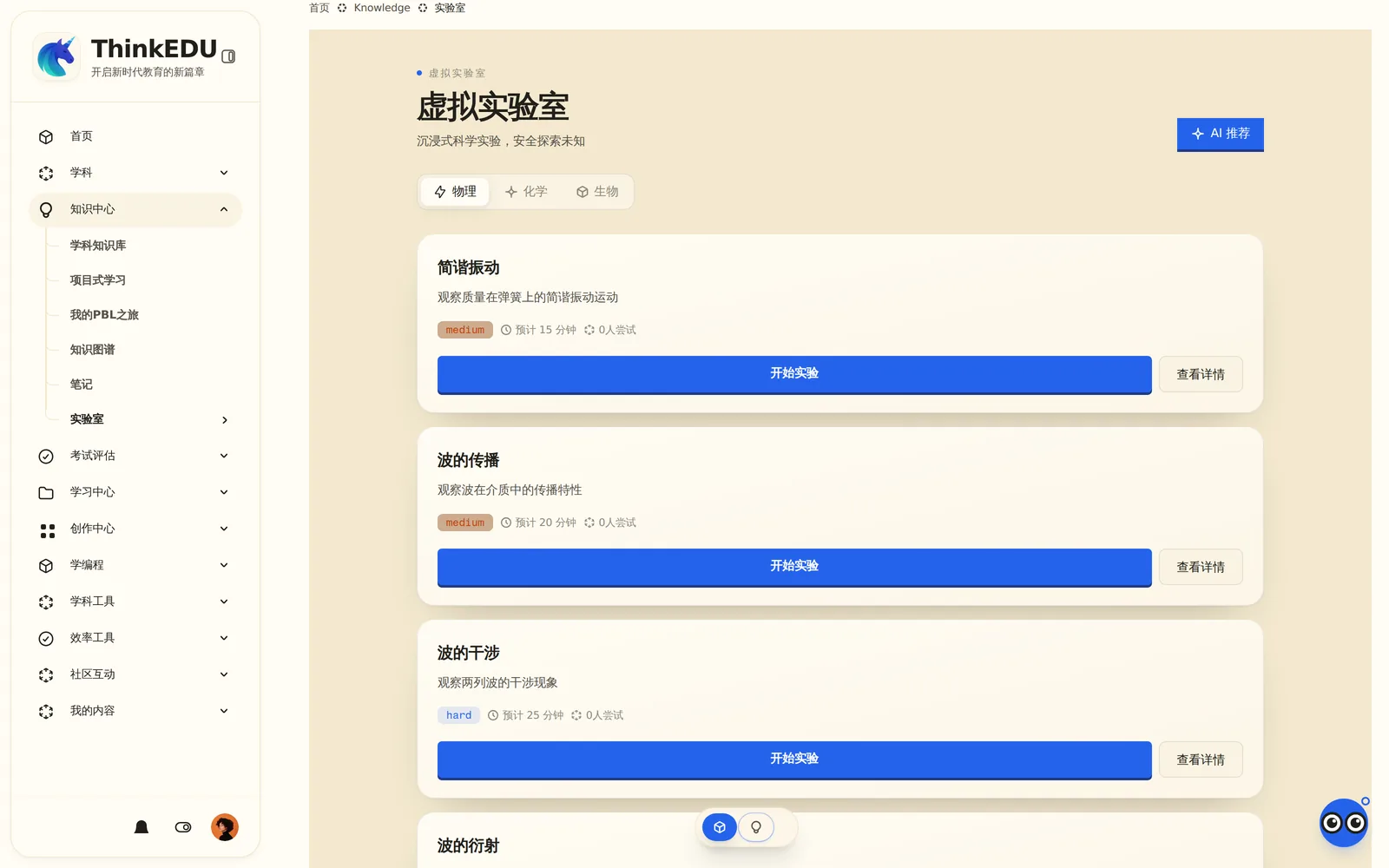
Hazardous reactions, expensive apparatus, math structures nobody can sketch on a blackboard — the Virtual Labs make all of it safe, reachable, and visible through interactive simulation. Dr. Siwei asks students to predict first — what happens if you halve this? — and then to test it. Getting it wrong costs nothing, and every run is archived as learning evidence.
05
Correction, Practice & Growth Evidence
Answering "how is my child doing" with evidence
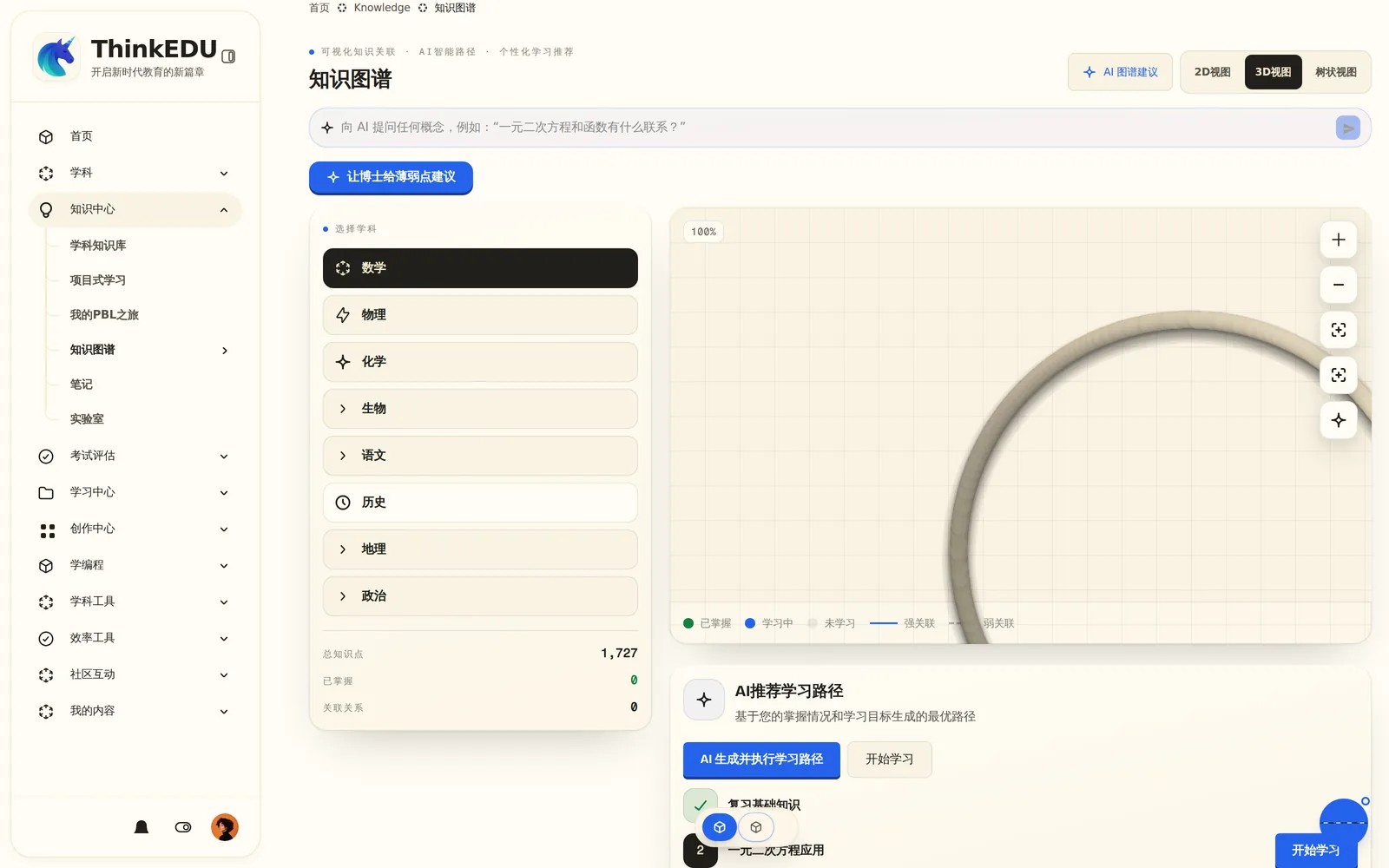
Badges and streaks measure screen time, not understanding. Think EDU tracks understanding itself: which step went wrong during a correction, how speed on the same problem type keeps improving until the habit is clearly formed, and spaced review that brings back what is about to be forgotten. A growth conclusion enters the learner’s profile only after a teacher reviews and approves it, and every one replays back to the answers, dialogue, and experiments behind it — nothing embellished, nothing vague.
06
Teacher Console
AI drafts. Teachers decide.
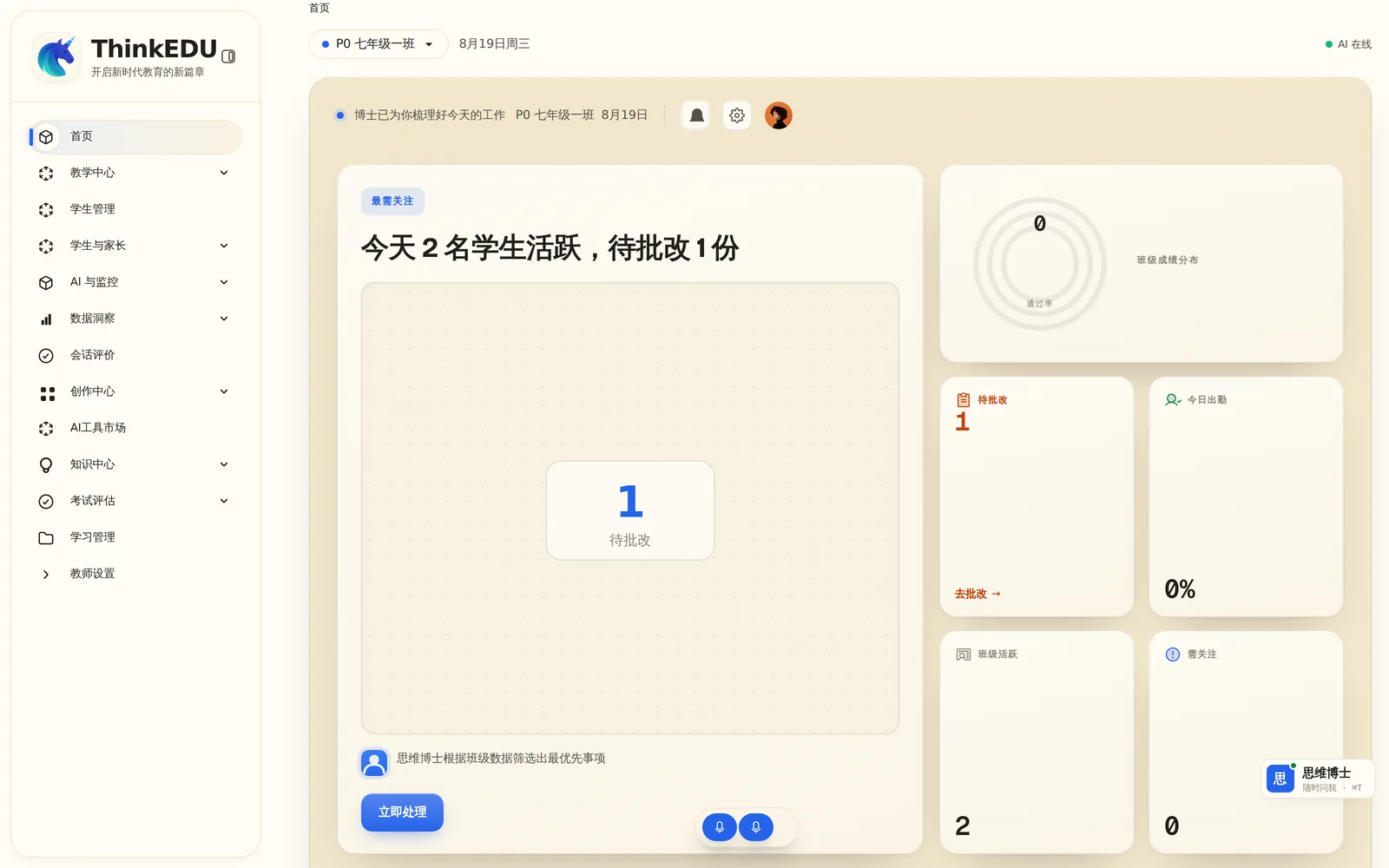
Open it in the morning and it says: “See these six first today — all six went wrong at the same sign-handling step last night.” Thirty-eight submissions are grouped by the step that went wrong, with one comment sent back per group; tonight’s homework is drafted from last night’s answers and tiered automatically; the AI drafts the lesson plan and the teacher only edits. In class, a live console replaces the slide deck and answers stream back in real time; a week after an intervention, its effect comes back. Growth conclusions reach a profile only with the teacher’s approval, and messages to parents are drafted by Dr. Siwei for the teacher to edit and send.
How they fit together
These six are not a list of features. They are a loop.
Wherever a student is working, the system follows the same path: action → evidence → AI analysis → governed action → growth written back. That is what separates an operating system from a chatbot.
- 01
Learning leaves evidence
Questions, annotations, experiments, and submitted work — key learning actions can be written to one event record instead of living only in a single conversation.
- 02
The AI reasons; actions are governed
Dr. Siwei reads that record, and every suggestion carries the reasoning behind it. Authority levels and role boundaries are checked before anything is acted on, and anything beyond them becomes a proposal awaiting a signature.
- 03
Growth written back — replayable, overrulable
Any conclusion about a learner can be replayed back to the dialogue, work, and experiments behind it. A teacher can overrule it; a school can audit it.
Across the platform
These are shared platform capabilities; exact availability follows the deployed configuration.
Voice interactionHold to talk to ask a question or have Dr. Siwei open a tool or turn to a page — younger learners do not have to type first.
Multilingual interfaceThe site currently provides Chinese and English interfaces; product language support follows the deployed configuration. Contact us to confirm.
Four role-based entriesStudents, teachers, schools, and parents each get their own way in — and a role-safe projection of the same evidence chain.
Runs in the browserOpen a page and start. Experiments and creative work all run in the browser, so schools have no client software to deploy.